
Whether you work remotely full-time, run a side business, or spend evenings studying, your desk is the command center of your cognitive life. Yet all too often, work desks become chaotic landscapes of tangled charging cords, neck-straining laptop screens, flickering overhead lighting, and cluttered clutter that drains your mental stamina.
Transforming your home office does not require spending thousands of dollars on luxury motorized standing desks or designer ergonomic chairs. A handful of thoughtful budget smart desk gadgets under $100 can dramatically enhance your physical comfort, streamline your power management, and turn an uninspired workspace into a productivity powerhouse.
The Principles of High-Performance Desk Ergonomics
A functional desk setup optimizes three interrelated domains:
- Visual Clarity: Eliminating screen glare and providing clean, diffused task lighting that reduces eye fatigue during long sessions.
- Cervical Alignment: Bringing displays to eye level to eliminate the forward head tilt (“tech neck”) that strains neck muscles and shoulders.
- Frictionless Cable Management: Removing visible wire clutter so your brain perceives your desk as an intentional, orderly space.
Five High-Impact Desk Upgrades Under $100
These five thoroughly tested desk accessories provide outsized value for everyday knowledge work:
1. ScreenBar Monitor Light (Approx. $40–$65)
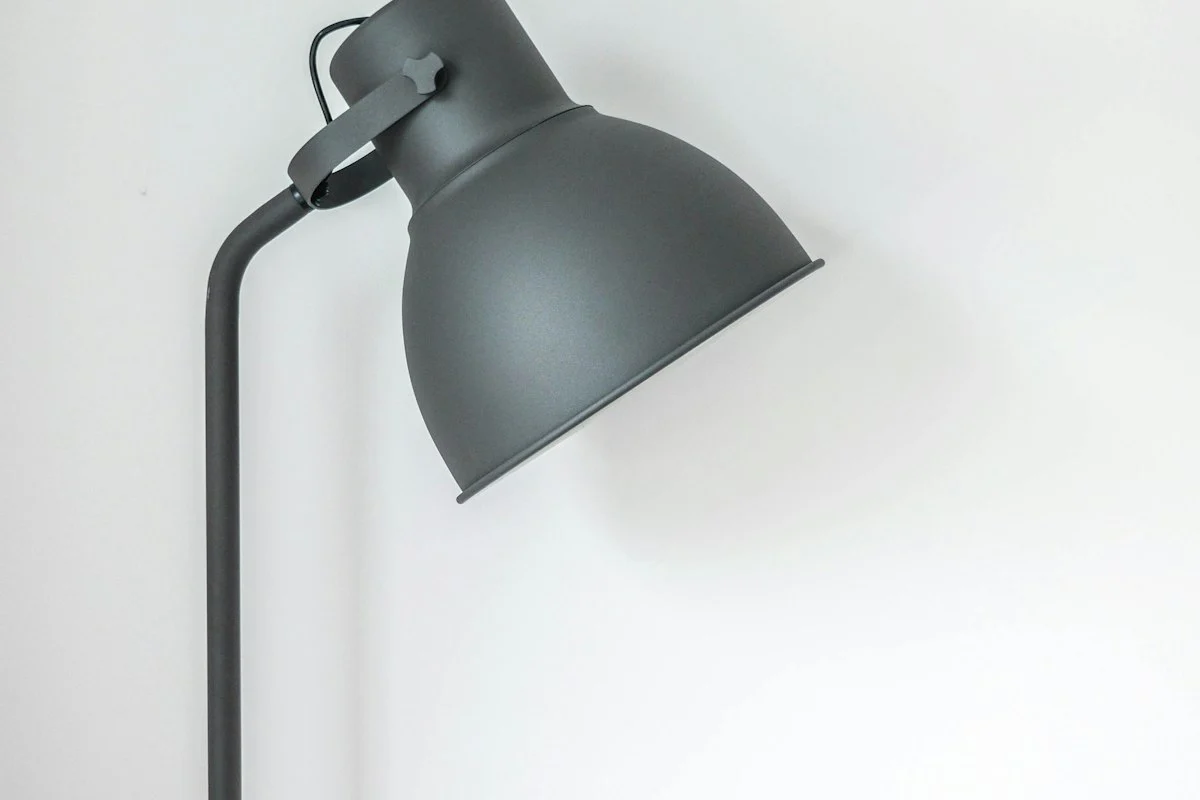
Traditional desk lamps take up valuable desk space and reflect annoying glare off glass computer screens. An asymmetrical monitor light bar clamps directly to the top bezel of your display.
It casts a wide, even pool of glare-free light across your keyboard and notebook without shining directly into your eyes or reflecting off the monitor. Look for models with touch-sensitive dimming and adjustable color temperature (from cool 5000K to warm 2700K).
2. Multi-Port 65W/100W GaN Desktop Charger (Approx. $35–$55)
Stop crawling under your desk to search for power outlets. A compact Gallium Nitride (GaN) desktop charging brick rests neatly on your desk surface, powered by a single wall cord.
With three USB-C ports and one USB-A port, it can fast-charge your MacBook or Dell laptop, your smartphone, your wireless earbuds, and an iPad simultaneously from a compact hub no larger than a deck of playing cards.
3. Under-Desk Wire Cable Management Tray (Approx. $20–$25)
The difference between a messy desk and an executive workstation is invisible wiring. A no-drill clamped steel cable management tray mounts beneath the back edge of your desk.
Place an 8-outlet surge protector inside the tray and plug all monitor, charger, and computer cables into it. A single clean power cord runs down one desk leg to the wall outlet, completely banishing the “cable nest.”
| Desk Gadget | Primary Functional Benefit | Typical Price Point | Installation Effort |
|---|---|---|---|
| Monitor Light Bar | Glare-free eye illumination, saves desk room | $39 – $65 | 60 Seconds (Clamps on) |
| 65W/100W GaN Hub | Powers laptop + phone from one compact box | $35 – $55 | Plug-and-play |
| Under-Desk Cable Tray | Completely hides power bricks and cords | $20 – $28 | 5 Minutes (Clamp mount) |
| Aluminum Laptop Riser | Elevates screen to ergonomic eye level | $25 – $35 | Instant fold-out |
| Vegan Leather Desk Mat | Smooth mouse gliding & acoustic dampening | $15 – $22 | Instant unroll |

4. Heavy-Duty Aluminum Laptop Riser (Approx. $25–$35)
Using a laptop directly on a flat desk forces your head forward into a 45-degree angle, placing roughly 40 pounds of pressure on your cervical vertebrae.
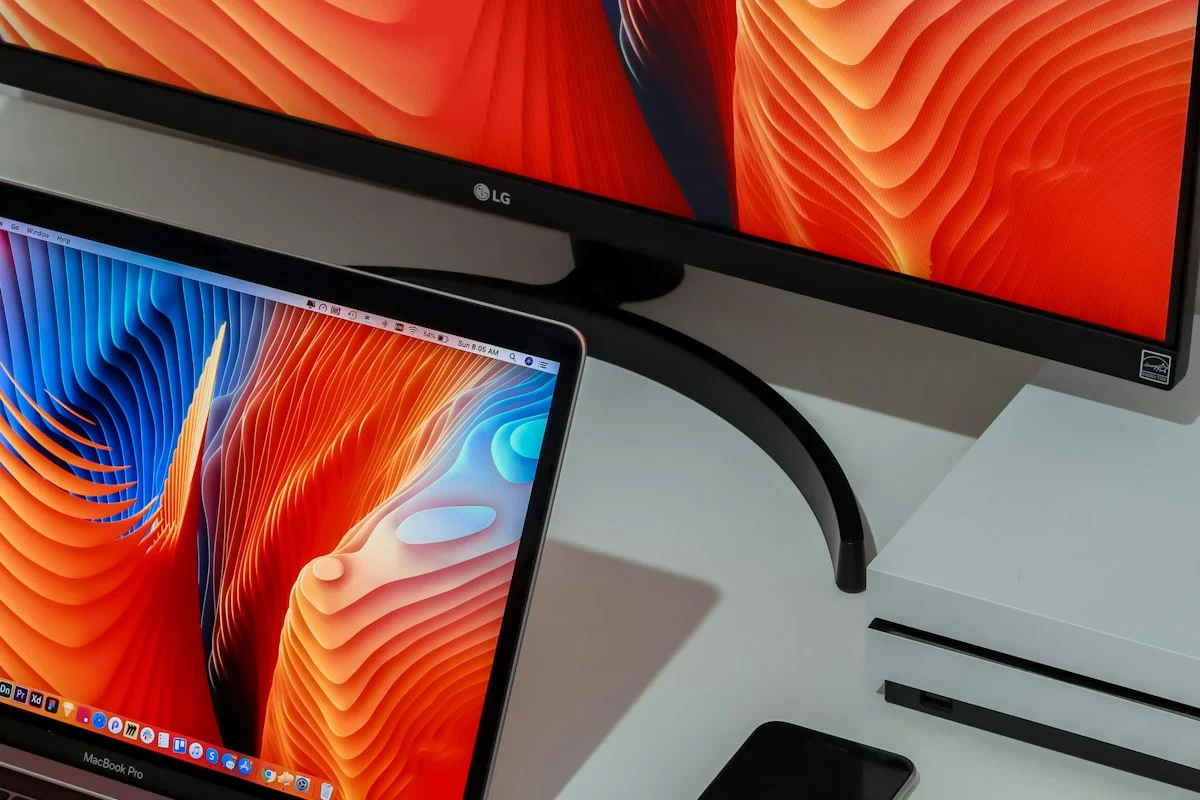
A sturdy, ventilated aluminum folding laptop stand elevates your screen by 6 inches, aligning it with an external monitor. Pair it with a separate keyboard and mouse to unlock immediate posture relief.
5. Large Vegan Leather or Wool Felt Desk Mat (Approx. $15–$25)
A 36-inch by 18-inch desk pad anchors your workspace. It cushions your wrists while typing, dampens mechanical keyboard resonance, protects delicate wooden surfaces from coffee rings, and serves as a full-surface mousepad.
The 10-Minute Desk Shutdown Ritual
A productive workspace is maintained through consistent daily hygiene. At the end of every workday, take two minutes to reset your station:
- Coil loose headphone cables and return pens to their holder.
- Wipe down your desk mat and keyboard with an alcohol-free microfiber cloth.
- Close unused browser tabs and write down tomorrow’s primary task on a sticky note.
Pair your setup with ergonomic posture guidance in remote work ergonomics and focus and explore software tools in best daily ai tools for productivity. Check out our broader tech guides in Tech & Gadgets and Budget Gadgets. For occupational ergonomic guidelines and posture safety standards, review resources from the Occupational Safety and Health Administration (OSHA).
Maintaining Workspace Flow and Minimalist Cleanliness
A beautifully configured desk will rapidly devolve back into clutter without a daily maintenance trigger. Implement the 3-Minute Evening Desk Reset:
At the conclusion of your workday:
- Return wireless headphones and stylus pens to their charging cradles.
- Coil loose charging cables and tuck them into your under-desk cable tray.
- Empty coffee mugs and water tumblers, wiping down your desk mat with a dry microfiber cloth.
- Position your chair neatly beneath the desk surface.
Waking up each morning to a pristine, clutter-free desk provides immediate psychological momentum, allowing you to dive directly into deep work without spending fifteen minutes clearing physical chaos.
Pro-Tip Implementation Checklist: Key Takeaways
To ensure seamless long-term adherence and avoid common implementation hurdles, follow this concise operational checklist:
- Phase 1 Assessment: Establish baseline metrics and document existing challenges before purchasing supplies or overhauling routines.
- Phase 2 Incremental Action: Implement one primary change per week rather than attempting an overwhelming simultaneous transformation.
- Phase 3 Environment Calibration: Organize tools, workspace elements, and physical cues so positive behaviors require minimal conscious friction.
- Phase 4 Weekly Audit: Spend five minutes every Sunday assessing what worked, what generated friction, and how to calibrate for the week ahead.
- Phase 5 Community & Accountability: Share your goals and progress with an accountability partner or family member to reinforce long-term consistency.
By anchoring your habits in structured systems rather than transient motivation, you protect your energy, save valuable time, and build sustainable progress that compounds effortlessly month after month.
Pro-Tip Implementation Checklist: Key Takeaways
To ensure seamless long-term adherence and avoid common implementation hurdles, follow this concise operational checklist:
- Phase 1 Assessment: Establish baseline metrics and document existing challenges before purchasing supplies or overhauling routines.
- Phase 2 Incremental Action: Implement one primary change per week rather than attempting an overwhelming simultaneous transformation.
- Phase 3 Environment Calibration: Organize tools, workspace elements, and physical cues so positive behaviors require minimal conscious friction.
- Phase 4 Weekly Audit: Spend five minutes every Sunday assessing what worked, what generated friction, and how to calibrate for the week ahead.
- Phase 5 Community & Accountability: Share your goals and progress with an accountability partner or family member to reinforce long-term consistency.
By anchoring your habits in structured systems rather than transient motivation, you protect your energy, save valuable time, and build sustainable progress that compounds effortlessly month after month.
Frequently Asked Questions
Why is a monitor light bar superior to a traditional desk lamp?
Monitor light bars clamp directly onto the top of your screen, casting glare-free asymmetrical illumination across your desk surface while saving valuable desktop real estate.
What is GaN fast-charging technology and why is it worth buying?
Gallium Nitride (GaN) semiconductor chargers run cooler, transfer power more efficiently, and deliver 65W to 100W of power in an enclosure half the size of traditional silicon bricks.
How do you keep desk cables completely out of sight on a budget?
Mount an under-desk steel wire tray beneath your desktop, plug all power bricks into a concealed surge protector, and bundle remaining monitor cables with braided split-sleeving.
Do inexpensive laptop stands really improve cervical spine ergonomics?
Yes, elevating your laptop screen by 5 to 6 inches brings the top third of the display directly to eye level, preventing chronic neck flexion and forward head posture.
What is the most functional desk accessory under $30 for daily productivity?
A wide water-resistant vegan leather or felt desk mat defines your workspace, dampens keyboard acoustic clatter, and eliminates the need for a separate mousepad.