Walking into a home where the lights gently adjust to match the setting sun, the thermostat optimizes temperature automatically before you sleep, and a single voice command turns off every appliance is no longer science fiction. Yet for many homeowners and renters, building a smart home setup for beginners feels intimidating, filled with confusing technical jargon like Zigbee, Z-Wave, Thread, and Matter.
The secret to a successful connected home is starting small, prioritizing real everyday convenience over unnecessary gimmicks, and choosing interoperable hardware that works seamlessly across platforms. In this guide, we demystify the core components of smart home automation and provide a step-by-step roadmap to building a reliable, responsive living space.
Choosing Your Smart Ecosystem Anchor
Before buying a single smart plug or light bulb, decide which ecosystem will serve as the primary control center for your household. The three dominant platforms are Apple Home (HomeKit), Google Home, and Amazon Alexa.
Apple Home vs. Google Home vs. Amazon Alexa
- Apple Home (HomeKit): Best for privacy-focused households invested in the Apple ecosystem (iPhone, iPad, Apple Watch, Apple TV). Offers lightning-fast local device execution and strict security standards.
- Google Home: Excellent if you rely heavily on Google Assistant, Android devices, and Nest hardware. Outstanding at natural voice processing and predictive queries.
- Amazon Alexa: The widest third-party hardware catalog and extensive voice skill library. Ideal for budget-conscious setups, though privacy controls require active customization.
Phase 1: The High-Impact Beginner Starter Kit
Do not attempt to automate your entire residence in one weekend. Begin with three accessible categories that deliver immediate, tangible value to your everyday routine: smart lighting, smart plugs, and a central smart speaker.
| Device Category | Recommended Starting Device | Key Everyday Function | Setup Difficulty |
|---|---|---|---|
| Smart Lighting | Philips Hue or Nanoleaf Matter A19 Bulbs | Circadian color dimming & automated sunset triggers | Easy (Screw-in) |
| Smart Plugs | TP-Link Kasa Matter or Eve Energy Plugs | Energy monitoring & scheduling floor lamps/kettles | Easy (Plug-and-play) |
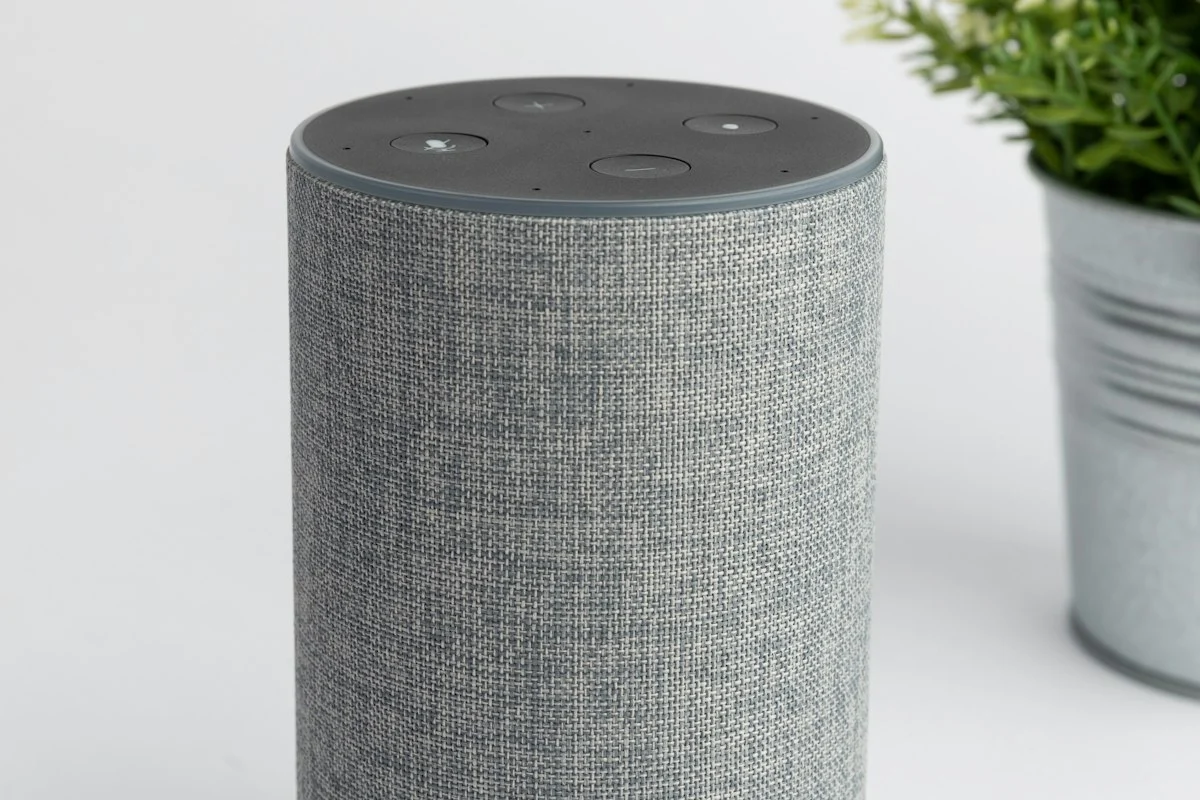
| Smart Hub / Speaker | Apple HomePod Mini or Google Nest Hub | Local automation coordinator & voice assistant | Moderate (Wi-Fi sync) |
| Contact Sensor | Aqara Door & Window Sensor | Triggers hallway lights when front door opens | Easy (Peel-and-stick) |
| Smart Thermostat | Ecobee Smart Thermostat Premium | Temperature scheduling & occupancy detection | Advanced (Wiring) |
1. Smart Lighting Setup
Lighting has the greatest impact on your home’s ambiance and circadian health. Replace the primary bulbs in your living room and bedroom with smart LED bulbs capable of shifting from cool daylight (5000K) to cozy evening amber (2200K).
Set an automated routine that gradually dims your lights to 20 percent warmth at 10:00 PM, signaling to your brain that it is time to wind down. For an in-depth hardware breakdown, consult our guide comparing smart lighting systems compared.
2. Smart Plugs: Automate Existing Appliances
Smart plugs turn traditional lamps, fans, holiday lights, and electric kettles into connected devices. Plug your bedside reading lamp into a smart socket, and schedule it to shut off automatically thirty minutes after your estimated bedtime.
Phase 2: Building Practical Everyday Automations
A collection of gadgets you have to trigger manually from your phone is not a smart home—it is simply a collection of remote controls. A genuinely smart home operates quietly in the background through automated conditional rules.
Three Essential Beginner Routines
- The “Good Morning” Routine: At 7:00 AM on weekdays, your bedroom lamps slowly ramp up to 70 percent brightness over fifteen minutes, your smart plug starts the coffee machine, and your smart speaker plays the morning news.
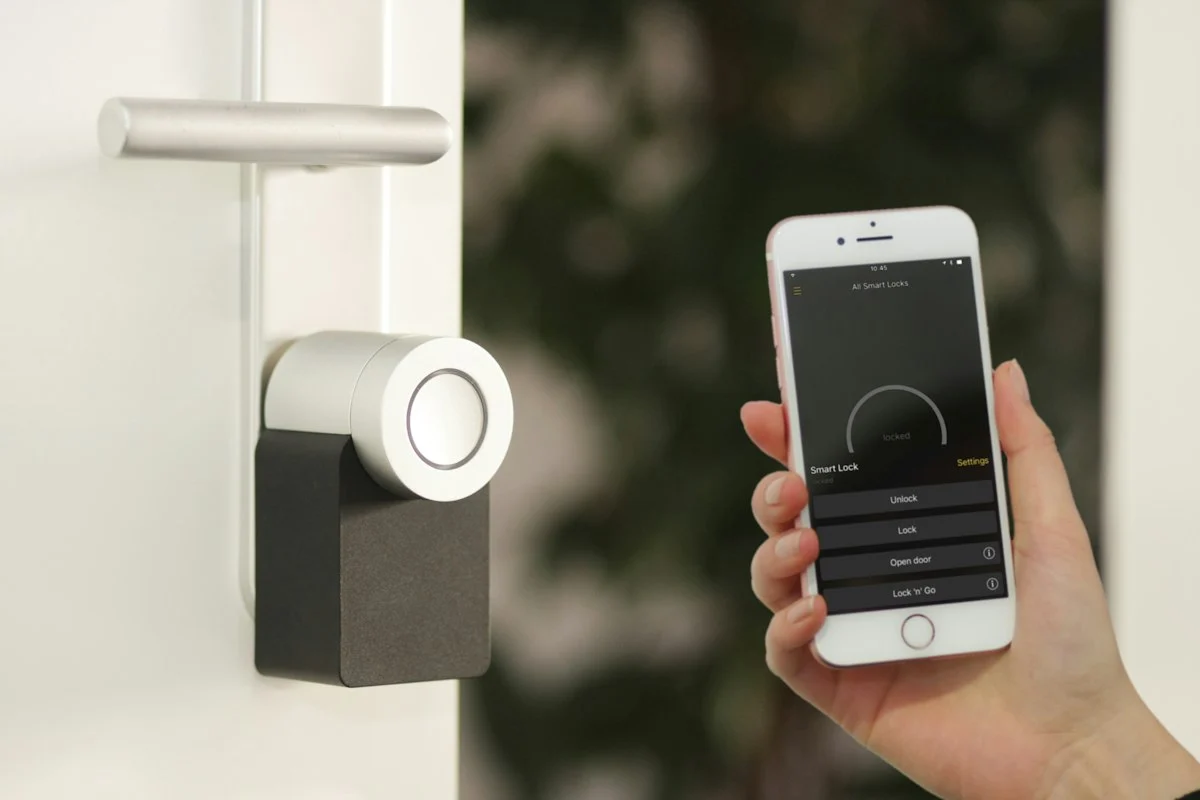
- The “Leaving Home” Geofence: When your smartphone’s GPS detects that you have departed your apartment perimeter, your system turns off all interior lights, adjusts the thermostat to eco-mode, and verifies that smart door locks are secured.
- The “Good Night” Reset: Saying “Good night” to your voice assistant immediately turns off all living room audio-visual gear, shuts off the kitchen lights, and confirms that the front entryway sensor is armed.
Smart Home Network Security and Privacy
Connecting multiple IoT (Internet of Things) devices to your home network introduces privacy and security considerations. Protect your digital infrastructure by following standard network hygiene protocols.
Set up a dedicated Guest Wi-Fi network (2.4 GHz) on your router exclusively for smart home accessories, keeping them partitioned away from your personal laptops and banking devices. Ensure all connected accounts use strong, unique passwords backed by two-factor authentication (2FA).
Explore related tech optimizations in our Tech & Gadgets section and read about useful productivity software in best daily ai tools for productivity. For technical connectivity standards and Thread network whitepapers, visit the Connectivity Standards Alliance and review guidelines from the Federal Trade Commission on consumer IoT security.
Troubleshooting Connectivity and Radio Interference
Even well-designed smart home ecosystems occasionally experience dropped connections or unresponsive accessories. Understanding basic radio frequency hygiene resolves 95 percent of beginner smart home frustrations.
Follow these proven network stabilization guidelines:
- Separate Your 2.4 GHz and 5 GHz Bands: Many inexpensive smart home accessories only operate on legacy 2.4 GHz Wi-Fi. Ensure your home router broadcasts separate SSIDs for 2.4 GHz and 5 GHz, or temporarily disable 5 GHz during initial device pairing.
- Avoid Placing Hubs Near Metal Appliances: Never tuck your central smart speaker or bridge inside a metal media cabinet or directly behind a large television, as metal surfaces act as Faraday shields that severely attenuate Zigbee and Thread signals.
- Use Smart Plugs as Mesh Repeaters: Thread and Zigbee protocols rely on mains-powered devices (like smart wall plugs and wired in-wall switches) to relay signals to distant battery-powered sensors. Placing one smart plug in every room builds an unbreakable, self-healing mesh backbone.
Pro-Tip Implementation Checklist: Key Takeaways
To ensure seamless long-term adherence and avoid common implementation hurdles, follow this concise operational checklist:
- Phase 1 Assessment: Establish baseline metrics and document existing challenges before purchasing supplies or overhauling routines.
- Phase 2 Incremental Action: Implement one primary change per week rather than attempting an overwhelming simultaneous transformation.
- Phase 3 Environment Calibration: Organize tools, workspace elements, and physical cues so positive behaviors require minimal conscious friction.
- Phase 4 Weekly Audit: Spend five minutes every Sunday assessing what worked, what generated friction, and how to calibrate for the week ahead.
- Phase 5 Community & Accountability: Share your goals and progress with an accountability partner or family member to reinforce long-term consistency.
By anchoring your habits in structured systems rather than transient motivation, you protect your energy, save valuable time, and build sustainable progress that compounds effortlessly month after month.
Frequently Asked Questions
Which smart home ecosystem is best for complete beginners?
Apple HomeKit, Google Home, and Amazon Alexa are all great starting points, but choosing Matter-compatible devices ensures your hardware can work across any ecosystem you choose in the future.
Do you need to rewire your walls to build a smart home?
No, modern smart setups rely on screw-in smart LED bulbs, plug-in smart sockets, battery-powered sensors, and wireless tabletop hubs that require zero electrical rewiring.
What is the Matter protocol and why does it matter for beginners?
Matter is an open-source connectivity standard backed by Apple, Google, and Amazon that allows certified smart devices from different brands to communicate locally without compatibility headaches.
What are the most useful smart automations for everyday living?
Automated bedtime lighting shutoffs, sunset porch lamp illumination, morning circadian wake-up lighting, and motion-activated bathroom nightlights provide the highest daily convenience.
How do you secure your smart home devices against privacy risks?
Create a dedicated guest Wi-Fi network (IoT VLAN) for your smart gadgets, enable two-factor authentication on device accounts, and select devices that support local network control.