The widespread transition to remote and hybrid work promised the ultimate lifestyle dream: zero rush-hour commutes, flexible working schedules, home-cooked lunches, and the freedom to work in comfortable clothes. Yet for millions of remote workers, the reality has morphed into an exhausting blur. We find ourselves working longer hours, experiencing chronic lower back ache and neck strain, answering Slack pings at 9:00 PM from the couch, and suffering from insidious home burnout.
Reclaiming the promise of remote work requires mastering remote work ergonomics and focus. When your living room is also your boardroom, you must intentionally engineer both your physical workstation mechanics and your psychological boundaries to sustain health, creativity, and long-term vitality.
The Biomechanics of Desk Posture: The 90-90-90 Rule
Working all day hunched over a laptop on a soft couch or kitchen barstool forces your spine into a destructive “C-curve,” compressing lumbar discs and placing up to 45 pounds of shear force on your neck muscles.
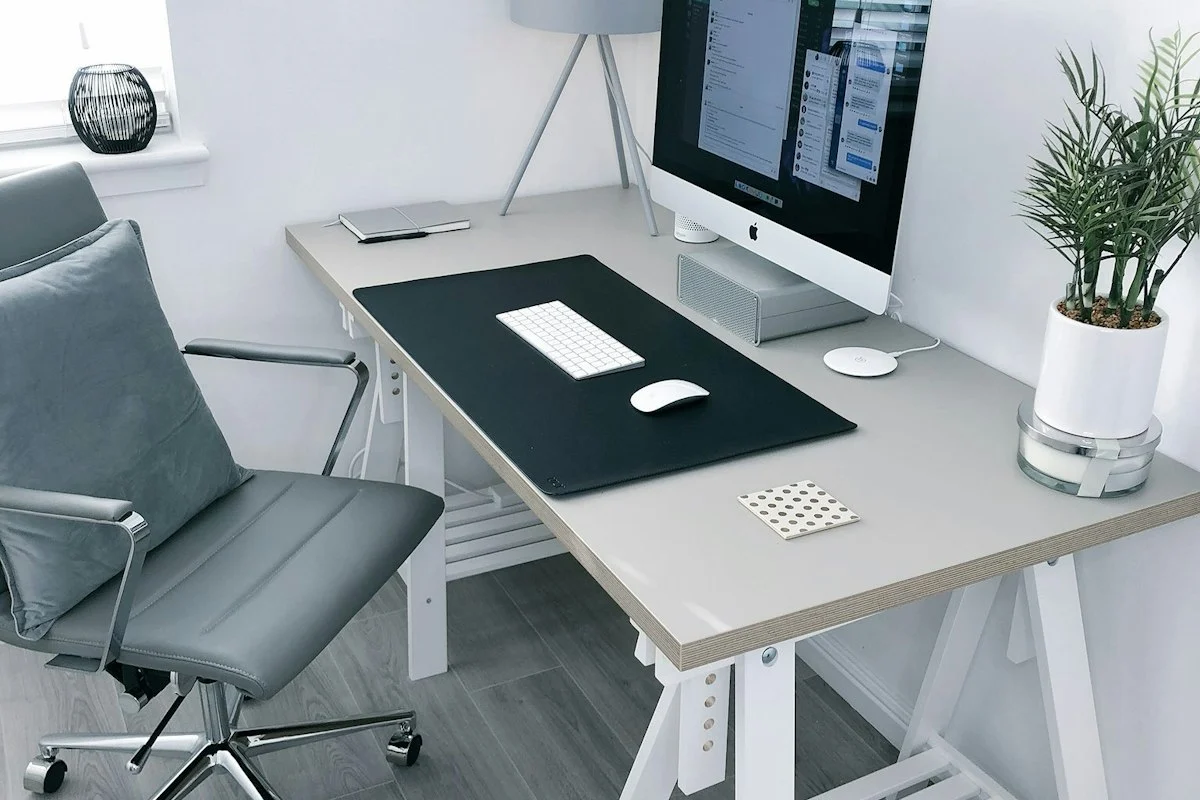
To prevent musculoskeletal injury, calibrate your workstation around the ergonomic 90-90-90 Principle:
- Elbows at 90 Degrees: Your desk surface should align with your elbows when shoulders are relaxed, allowing forearms to rest parallel to the floor without shrugging.
- Hips at 90–100 Degrees: Sit back into your chair so your lumbar spine receives firm, contouring support.
- Knees and Feet at 90 Degrees: Your feet must rest completely flat on the floor. If your chair needs to be elevated to match desk height, invest in an angled footrest to support your feet.

Calibrating Your Display and Peripherals
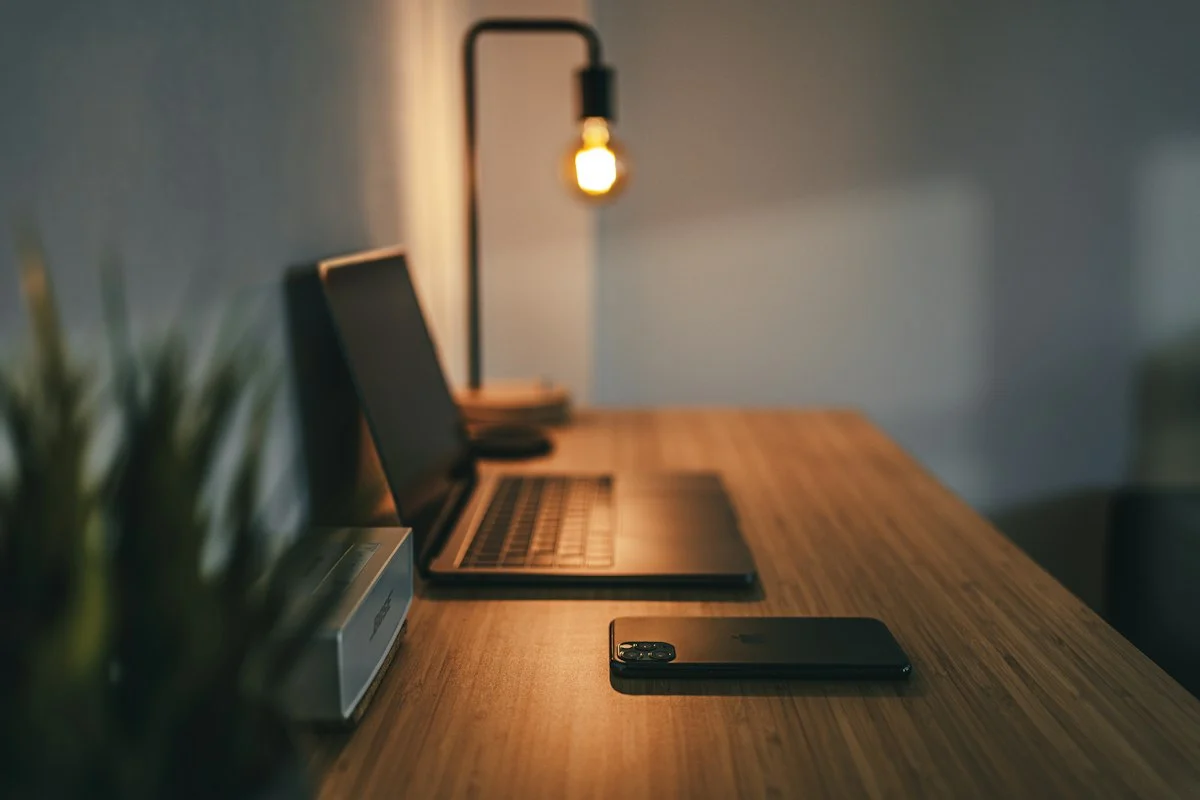
Never use a laptop directly as both your keyboard and your screen for full-time work. A laptop screen is physically tethered to its keyboard; if the keyboard is at the correct elbow height, the screen is too low; if the screen is at eye level, your wrists are strained typing in the air.
Separate the components:
- Elevate the Screen: Place your laptop on an aluminum riser, or connect to a dedicated external 27-inch monitor. The top third of the screen should sit directly at horizontal eye level, roughly 20 to 28 inches from your eyes (about arm’s length).
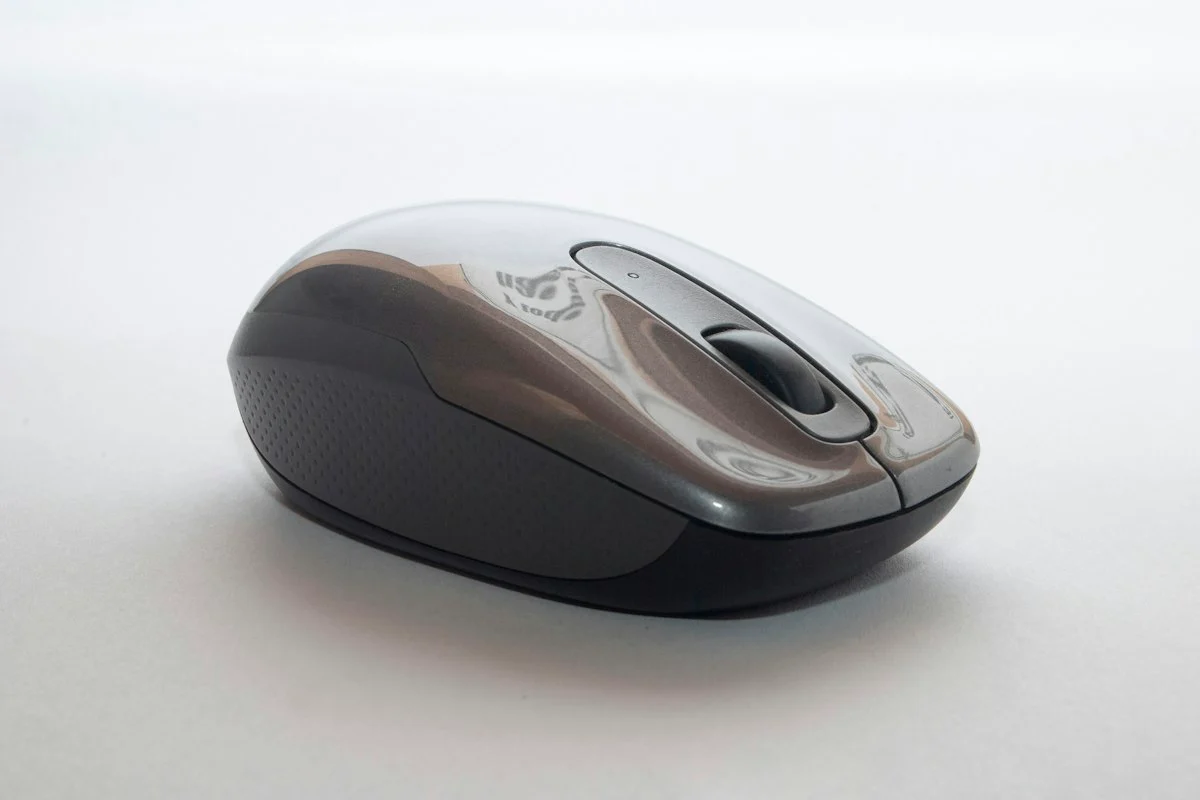
- External Keyboard and Mouse: Use a separate low-profile external keyboard and an ergonomic vertical mouse that places your wrist in a neutral handshake orientation, eliminating median nerve compression.
| Ergonomic Component | Ideal Placement & Calibration | Ergonomic Purpose |
|---|---|---|
| Monitor Display | Top 1/3 at eye level, 20–28” away | Prevents cervical spine forward tilt (“tech neck”) |
| Desk Surface Height | Aligns with resting elbow height (27–29”) | Keeps shoulders relaxed and traps un-tensed |
| Task Chair | Lumbar cushion in small of back, thighs parallel | Distributes bodyweight across ischial tuberosities |
| Keyboard & Mouse | Kept close to body centerline | Prevents shoulder over-reaching and wrist extension |
| Foot Placement | Flat on floor or firm angled footrest | Relieves pressure behind the knee joint (popliteal fossa) |
Combating Virtual Meeting Fatigue
“Zoom Fatigue” is a clinically documented psychological phenomenon. Staring continuously at tiny video thumbnails, managing self-view facial anxiety, and processing delayed audio feeds strains your cognitive energy.
Implement these three meeting rules:
- Hide Self-View: Right-click your own video thumbnail and select “Hide Self-View.” Humans are not evolved to gaze into a mirror during every professional conversation.
- Schedule 25 and 50-Minute Meetings: Change your default calendar settings from 30 and 60 minutes to 25 and 50 minutes. This automatically builds in 5 to 10 minutes between calls to stand, hydrate, and breathe.
- Turn Off Video for Status Updates: Advocate for voice-only phone calls for 1-on-1 check-ins, allowing you to walk around your room while talking.
Psychological Boundaries: The “Fake Commute”
When you do not leave your house to go to work, your brain never receives a clear sensory signal that the workday has ended. The boundary between “work” and “home” evaporates.
Establish a “Fake Commute” Shutdown Ritual:
At the end of your workday, shut down your work applications, close your laptop, and pack it away into a drawer or bag out of sight. Put on your sneakers, walk out your front door, and take a brisk 15-minute walk around your neighborhood.
When you walk back through your front door, your brain marks the physical transition: work is finished, and you are officially home for the evening.
Explore time-management tools in our time-blocking method guide and discover budget desk upgrades in budget smart desk gadgets. Browse our full archive in Personal Growth & Productivity and Remote Work. For official workplace safety standards and ergonomic evaluation checklists, review resources from the National Institute for Occupational Safety and Health (NIOSH).
Acoustic Management in Shared Living Spaces
Working remotely in a shared apartment or bustling family home introduces continuous acoustic distractions that shatter deep focus. Auditory interruptions force your brain into vigilance, elevating stress hormones and fracturing cognitive stamina.
Optimize your acoustic workspace:
- Active Noise-Cancelling (ANC) Headphones: Over-ear ANC headphones equipped with multi-microphone noise suppression filter out low-frequency hums from refrigerators, street traffic, and air conditioning.
- Brown Noise Soundscapes: Unlike harsh white noise, brown noise possesses deeper, rumbling low frequencies that mask sudden household conversational spikes without causing auditory fatigue.
- Acoustic Door Draft Stoppers: Placing a heavy foam draft stopper beneath your home office door blocks up to 30 percent of ambient living room chatter from penetrating your workspace.
Pro-Tip Implementation Checklist: Key Takeaways
To ensure seamless long-term adherence and avoid common implementation hurdles, follow this concise operational checklist:
- Phase 1 Assessment: Establish baseline metrics and document existing challenges before purchasing supplies or overhauling routines.
- Phase 2 Incremental Action: Implement one primary change per week rather than attempting an overwhelming simultaneous transformation.
- Phase 3 Environment Calibration: Organize tools, workspace elements, and physical cues so positive behaviors require minimal conscious friction.
- Phase 4 Weekly Audit: Spend five minutes every Sunday assessing what worked, what generated friction, and how to calibrate for the week ahead.
- Phase 5 Community & Accountability: Share your goals and progress with an accountability partner or family member to reinforce long-term consistency.
By anchoring your habits in structured systems rather than transient motivation, you protect your energy, save valuable time, and build sustainable progress that compounds effortlessly month after month.
Frequently Asked Questions
What is the '90-90-90' ergonomic posture rule for sitting at a desk?
Your elbows, hips, and knees should each form a comfortable 90-degree angle, with your feet resting flat on the floor and your forearms parallel to your desk surface.
How do you create work-life boundaries when working and living in the same apartment?
Establish a physical shutdown ritual: close your work laptop, pack away peripherals, change out of your work clothes into evening attire, and take an evening 'fake commute' walk.
How high should your computer monitor be positioned to prevent neck strain?
The top third of your display should sit directly at eye level when looking straight ahead, roughly an arm’s length away (20 to 28 inches) from your face.
What causes Zoom and virtual meeting fatigue in remote workers?
Continuous high-intensity eye contact, self-view facial anxiety, lack of non-verbal cues, and prolonged physical confinement create intense cognitive and sensory fatigue.
How often should you alternate between sitting and standing at a sit-stand desk?
Follow the 20-8-2 formula: for every 30 minutes, sit with good posture for 20 minutes, stand for 8 minutes, and move or stretch for 2 minutes.